Key Takeaways
- Zero Friction: Not a single tool on this list asks for your email address, phone number, Google login, or credit card.
- Powered by WebGPU & Client-Side AI: Many of these tools run AI models (like Whisper and Llama) directly inside your browser tab using your machine's hardware — your data never even touches an external server.
- No Artificial Limitations: Say goodbye to watermarks, 240p export restrictions, and "you have 3 credits remaining" popups.
- Covering Every Need: Includes broadcast TTS, background removal, stem splitting, vectorization, anonymous LLMs, image upscaling, and diagram generation.
We have all lived this exact digital nightmare: you search for a quick AI tool to remove a background, transcribe a voice memo, or clean up an image. You find a clean landing page promising that it is "Free." You upload your file, spend five minutes tweaking parameters, hit "Export" — and a modal slams shut in your face demanding your email, a Google sign-in, and a $19/month subscription after your first two free tries.
It is exhausting. The modern web has turned basic utility tasks into lead-generation traps.
Fortunately, a massive shift has happened quietly over the last year: thanks to WebGPU, WebAssembly, and open-weight AI architectures, developers have begun hosting powerful AI models that execute entirely in client-side browser memory or through public, unrestricted web interfaces. You open a URL, drop your file, get your output, and close the tab. No login. No cookies tracking your identity. No subscriptions.
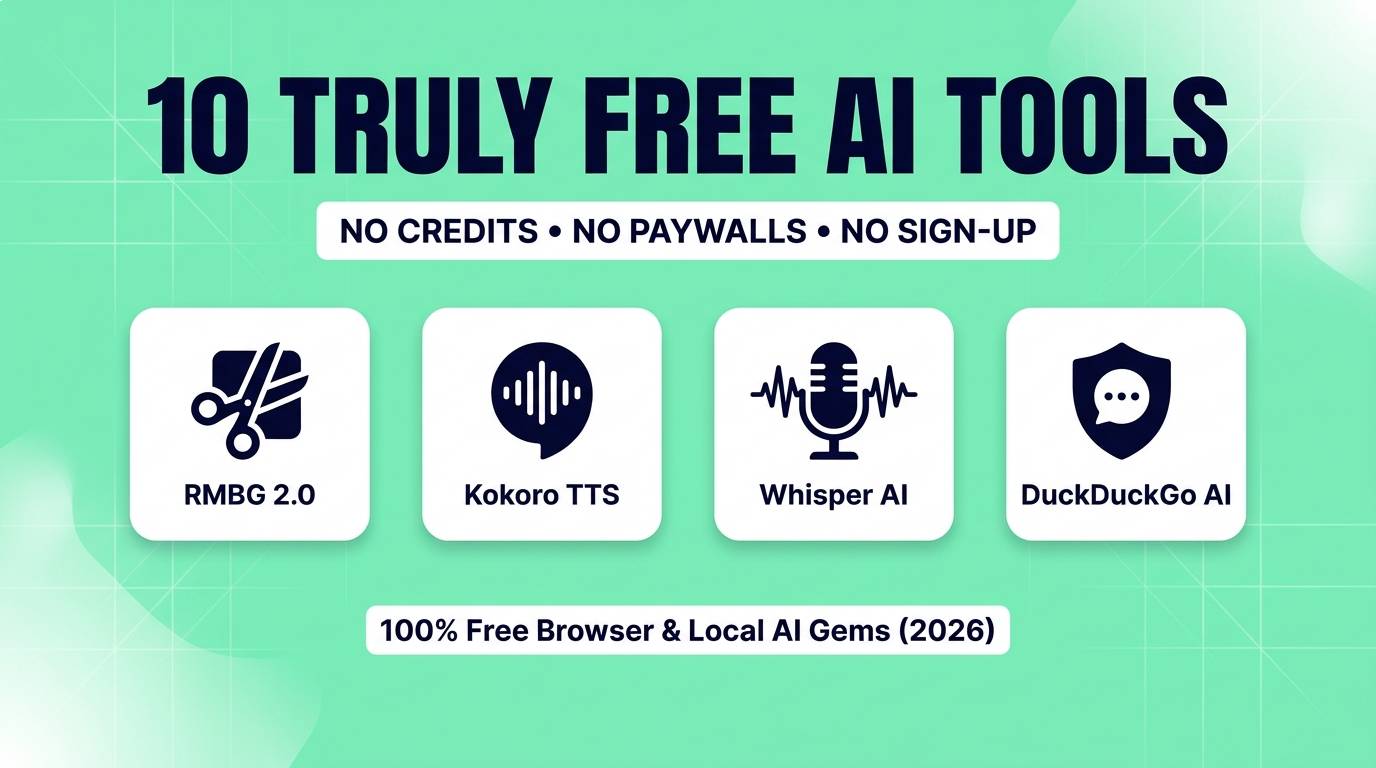
Here are 10 truly free, high-utility AI tools you can start using right now in 2026 without creating an account.
Quick Comparison Table
| Tool | Discipline | How It Runs | No-Login Advantage | Replaces Paid Tool |
|---|---|---|---|---|
| RMBG 2.0 Web | Image Editing | In-Browser WebGPU | Full resolution, no watermarks | remove.bg ($9/mo) |
| Kokoro WebGPU | Audio / Voice | Client-side browser | Unlimited audio generation | ElevenLabs ($22/mo) |
| Whisper WebGPU | Transcription | Client-side WebAssembly | 100% private audio processing | Otter.ai / Rev ($16/mo) |
| DuckDuckGo AI | Writing / Research | Privacy proxy | Access Claude & GPT with 0 tracking | ChatGPT Plus ($20/mo) |
| VTracer AI | Design & Vector | WASM in browser | Infinite SVG exports, zero compression | Vectorizer.ai ($9.99/mo) |
| Upscayl | Image Enhancing | Local Open-Source / Web | Crisp 4x scaling, batch mode | Topaz Gigapixel ($99) |
| Excalidraw AI | Diagrams / UI | Browser Canvas | Instant text-to-wireframe | Eraser.io / Miro ($10/mo) |
| WebLLM | Local Intelligence | WebGPU hardware engine | Works offline, zero token fees | Poe / Copilot ($20/mo) |
| BS-RoFormer Web | Audio Production | Open Hugging Face space | Highest SDR vocal isolation | Lalal.ai ($15/mo) |
| MusicGen Web | Audio & Music | Open-weight inference | Commercial royalty-free audio | Soundraw / Mubert ($14/mo) |
1. RMBG 2.0 Web — Instant AI Background Removal
Remember when remove.bg gave you one tiny 500x500 pixel preview and demanded payment for the high-resolution original? RMBG 2.0 ends that era. Trained by Bria AI on legally cleared enterprise datasets, its open weights are compiled directly to run in modern browsers via WebGPU.
You drop a 4K product photograph or portrait into the browser tab. The model loads into your computer's GPU memory, detects the main subject, parses translucent materials and individual hair strands with sub-pixel precision, and returns a crystal-clear, transparent PNG. Because it computes locally, your personal pictures are never uploaded to an advertising server.
RMBG 2.0 Scores
2. Kokoro WebGPU — Studio-Quality Speech Synthesis
Most free web text-to-speech sites sound like robotic navigation assistants from 2012 or cut you off after 100 characters. Kokoro WebGPU lets you paste thousands of words of text and generates natural, expressive speech with realistic human breath pauses and tone dynamics.
The entire 82M parameter model runs inside your browser tab without talking to a paid API. You can switch between dozens of voice profiles (warm narrators, conversational characters, energetic educators), blend multiple voices together, adjust pitch and speed, and download pristine `.wav` audio files instantly without entering an email address.
Kokoro WebGPU Scores
3. Whisper WebGPU — Unlimited Audio Transcription
If you have confidential meetings, student interviews, or legal recordings, uploading them to cloud transcription services creates serious privacy liabilities. Whisper WebGPU runs directly in your browser without sending a single byte of audio over the network.
Drop in an MP3, WAV, or MP4 file, choose your language (or leave it on auto-detect), and watch the model transcribe the speech in real time. You can export clean `.txt` paragraphs or `.srt` subtitle files with precise millisecond timestamps for video editing in Premiere or CapCut — with no minute limits.
Whisper WebGPU Scores
4. DuckDuckGo AI Chat — Anonymous LLMs Without Tracking
Want the intelligence of leading frontier AI models without signing away your personal phone number or linking your Google account? DuckDuckGo AI Chat (duckduckgo.com/chat) acts as an anonymous privacy shield between you and major AI providers.
You can toggle between Claude 3.5 Haiku, GPT-4o mini, Llama 3.3 70B, and Mixtral 8x7B on the fly. DuckDuckGo strips out your IP address, replaces all metadata with anonymous headers, and has legally binding agreements ensuring that your conversations are never used to train future models. It is fast, clean, and completely free to open whenever you need a quick second brain.
DuckDuckGo AI Chat Scores
5. VTracer AI — Raster to Clean SVG Vectorization
Graphic designers and apparel sellers frequently encounter low-resolution logos or hand-drawn sketches that need to become infinitely scalable vector files. While commercial vectorizers charge per download or limit exports, VTracer is a 100% free open-source vectorizer running in Rust via WebAssembly.
Unlike basic image tracers that generate thousands of messy, overlapping paths, VTracer uses geometric edge detection and curve-fitting algorithms to create clean, optimized bezier curves. You can preview path density, adjust color grouping sliders, and download clean SVG vector files with no sign-up or paywall.
VTracer Scores
6. Upscayl — 4x Lossless Image Upscaler
Commercial upscalers like Topaz charge steep one-time fees, while web upscalers limit you to two images before slapping watermarks across your visuals. Upscayl provides genuine neural network upscaling without any artificial restrictions.
You can run it as a lightweight open-source desktop app on Mac, Windows, and Linux (or use one of several free public web demos). It sharpens blurry edges, removes JPEG compression noise, and synthesizes missing fine textures. It is the perfect tool for print-on-demand creators preparing digital art for merchandise printing.
Upscayl Scores
7. Excalidraw AI — Text to Architecture & Flowcharts
Building system architecture diagrams, user journey flows, and database schemas manually in diagramming tools consumes hours of tedious box alignment. Excalidraw (excalidraw.com) provides an infinite canvas where you can click the AI prompt button and type: "A cloud architecture showing an API gateway routing to microservices, a Redis cache, and a PostgreSQL database."
In seconds, it draws an interconnected, fully editable diagram in its charming hand-drawn aesthetic. You do not need an account — you can immediately export the canvas as PNG, SVG, or copy it directly into your clipboard.
Excalidraw AI Scores
8. WebLLM — Run Full LLMs Completely In-Browser
Imagine having the analytical power of modern open-source language models running inside a standard web browser tab — completely disconnected from the internet once loaded. That is what WebLLM (webllm.mlc.ai) accomplishes.
It utilizes modern WebGPU standards to run inference on your machine's graphics card. You pick a model like Llama-3.2-3B or Qwen2.5-Coder, let it load the cached weights into browser memory once, and enjoy unlimited private writing, coding assistance, and analysis without spending a penny or sending your data to any server.
WebLLM Scores
9. BS-RoFormer Web — Studio Vocal & Stem Splitting
Commercial stem splitters routinely charge $10 to $20 a month for 10 songs. However, the exact neural network that beat every commercial model on the Signal-to-Distortion Ratio (SDR) benchmarks is BS-RoFormer.
Through free public Hugging Face spaces and open web interfaces, you can upload any MP3 or WAV track, hit separate, and download two pristine studio tracks: the isolated lead vocal (acapella) and the full backing instrumental with drums and bass. No registration, no watermarks, and no compression artifacts.
BS-RoFormer Web Scores
10. MusicGen Web — Royalty-Free Soundtrack Generator
Video creators and podcasters often spend hours hunting through stock music sites trying to find background tracks that won't get hit with a YouTube Content ID copyright strike. MusicGen generates brand-new music from scratch based entirely on your descriptive prompt.
Type "80s synthwave with punchy drums and a melancholic bassline, 120 bpm" or "chill lo-fi hip hop beat with rain sounds and jazzy electric piano". Within 30 seconds, MusicGen composes and outputs a ready-to-use audio loop. The open model weights allow for commercial use in videos and games without licensing fees.
MusicGen Web Scores
How Do These Tools Stay Free Without Subscriptions?
Whenever software is genuinely free, it is wise to ask: "Where is the catch?"
The WebGPU Revolution: In the past, companies had to pay thousands of dollars in cloud server bills to run AI models for visitors. Today, tools like RMBG 2.0, Kokoro WebGPU, and Whisper WebGPU run using your own device's graphics card or processor via browser APIs. Because the hosting website pays virtually zero server compute fees, they do not need to charge you, sell your email, or gate the service behind monthly subscriptions.
Frequently Asked Questions
Are these tools really 100% free with no hidden credit limits?
Yes. Every tool featured in this guide operates without credit tokens, account logins, paywalls, or feature downgrades. You can use them repeatedly without ever entering personal payment information.
Is my data and audio private when using client-side AI tools?
Yes. In fact, tools powered by WebGPU (such as Whisper WebGPU, Kokoro WebGPU, and RMBG 2.0) are substantially more private than paid cloud services because your images, audio files, and text never leave your local device memory.
What browser do I need to run WebGPU AI tools smoothly?
Any modern browser that supports the WebGPU standard works seamlessly, including Google Chrome, Microsoft Edge, Brave, and recent versions of Safari and Firefox on desktop computers.
Can I use the images, audio, and vectors generated by these tools commercially?
Yes. These tools are built upon open-weight architectures (such as Apache 2.0, MIT, and OpenMDW licenses) which grant full commercial usage rights for created assets without licensing royalties.
Final Take
Stop Renting Everyday Tools
Bookmark these ten tools. The next time you need to remove a background, synthesize a voiceover, vectorize an illustration, or transcribe an interview, bypass the paid SaaS credit traps and get the job done in seconds — for free.
Looking for more high-utility AI tools? Browse our complete AI tools directory for hundreds of reviewed and categorized platforms.