Key Takeaways
- The Subscription Trap: Combining Notion + Notion AI ($20/mo), Gamma Pro ($15/mo) and CapCut Pro ($19.99/mo) now costs over $650 per year.
- Best Notion AI Replacements: AppFlowy, AFFiNE and SiYuan give you local-first workspaces, databases and whiteboards where you can plug in free local AI models via Ollama.
- Best Gamma AI Replacements: Presenton and Slidev turn prompts, PDFs and Markdown into editable PPTX and interactive decks with zero credit limits.
- Best CapCut Pro Replacements: OpenCut, Concat and Kdenlive deliver browser and desktop editing with free local Whisper auto-captions and AI background removal — no watermarks.
Have you noticed what happened to our favorite everyday productivity and creator tools over the last two years? They slowly locked their best features behind aggressive "Pro" and "AI" paywalls. CapCut took features that used to be free — like auto-captions, background removal and smooth transitions — and put them behind a $19.99/month subscription. Gamma gives you a tiny pile of one-time credits before demanding $15/month to generate slide decks without a badge. And Notion charges extra on top of its workspace plan just to let you use AI on your own notes.
If you use all three, you are quietly bleeding over $650 a year — while uploading your private documents, client decks and raw video footage to third-party cloud servers.
Here is the good news: the open-source community fought back hard. In 2026, you can replace all three of these SaaS giants with 100% free, open-source software that runs locally on your machine (or in your browser), connects to free local AI models like Ollama and Whisper, never slaps a watermark on your exports, and never asks for a credit card.
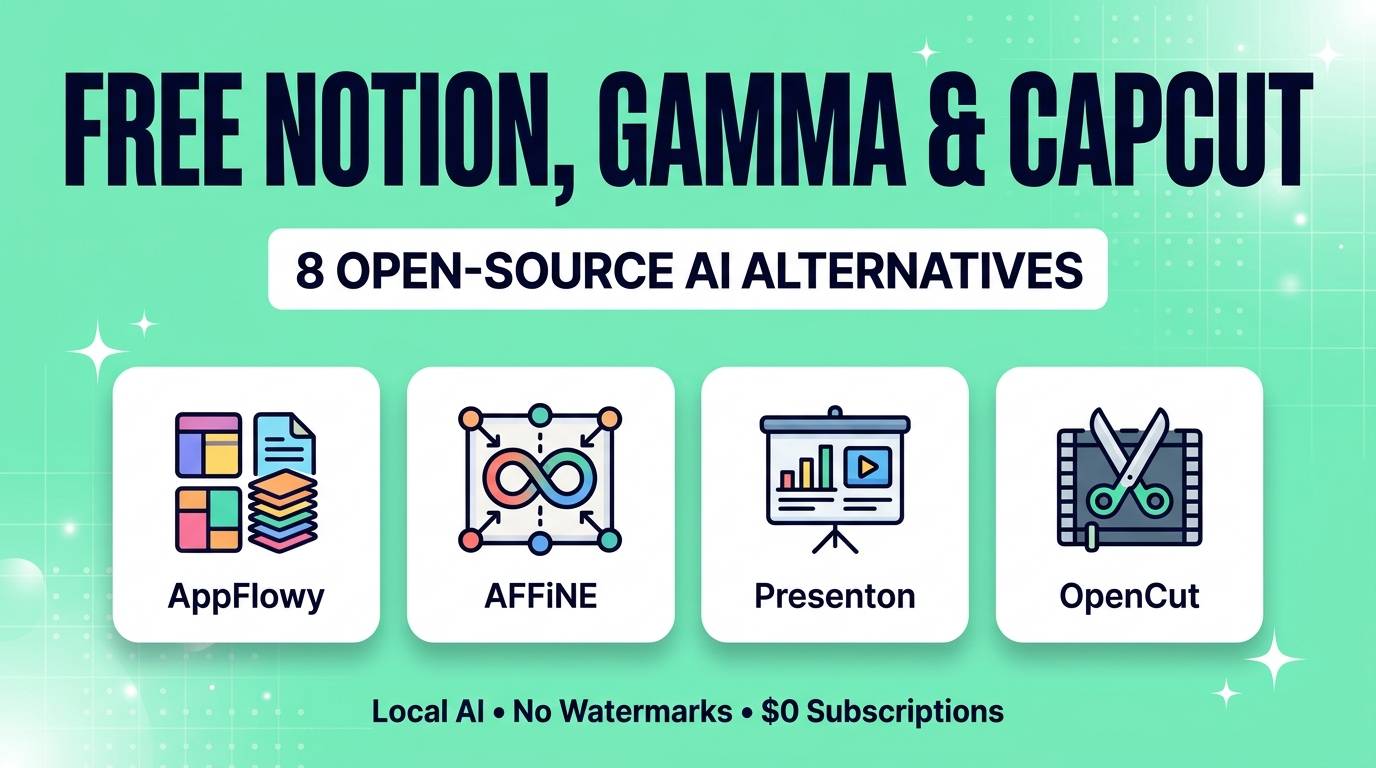
We tested dozens of GitHub projects to bring you the 8 best open-source alternatives to Notion, Gamma and CapCut you can start using today.
Quick Comparison Table: Paid vs Open-Source
| Open-Source Tool | Replaces | Key AI Features | License | Price |
|---|---|---|---|---|
| AppFlowy | Notion + Notion AI | Local AI writer, DB autofill, Ollama support | AGPL-3.0 | 100% Free (Local) |
| AFFiNE | Notion + Miro | AI doc-to-mindmap, canvas brainstorm, BYOK | MIT | 100% Free (Local) |
| SiYuan | Notion / Obsidian | Local LLM chat, block-level AI, offline sync | AGPL-3.0 | 100% Free (Local) |
| Presenton | Gamma / Beautiful.ai | Prompt/PDF to editable PPTX, Ollama & MCP | Apache 2.0 | 100% Free |
| Slidev | Gamma / Pitch | AI agent friendly Markdown slides, live code | MIT | 100% Free |
| OpenCut | CapCut Web & App | Familiar CapCut UI, auto-transcription, no watermark | MIT | 100% Free |
| Concat | CapCut Mobile & Desktop | Local Whisper captions, AI background removal | AGPL-3.0 | 100% Free |
| Kdenlive | CapCut Pro / Premiere | Whisper & VOSK subtitles, AI object masking | GPL-3.0 | 100% Free |
Part 1: Free Open-Source Alternatives to Notion AI
1. AppFlowy — Best Direct Notion AI Alternative
If you love how Notion looks and works, but hate that your notes live on someone else's server (or hate paying per user and per AI add-on), AppFlowy is your dream migration. With over 65,000 stars on GitHub, it intentionally mirrors Notion's slash commands (`/table`, `/board`, `/ai`), nested pages, and database views (Grid, Kanban, Calendar, Gallery).
Where AppFlowy shines in 2026 is its local AI architecture. Instead of forcing you into a cloud AI subscription, AppFlowy lets you connect your own local models via Ollama (like Llama 3.3, Qwen, or Mistral) or bring your own API key. You can highlight text to rewrite, summarize long PDFs, translate pages, and query your own knowledge base entirely offline on your Mac, Windows, Linux, iOS or Android device.
Where AppFlowy struggles: third-party SaaS integrations (like native Zapier or Slack widgets) are not as deep as Notion's massive commercial ecosystem, and setting up a self-hosted team sync server requires basic Docker knowledge.
AppFlowy Scores
2. AFFiNE — Best Notion + Miro Visual Workspace
Notion is great for linear text and tables, but terrible when you want to brainstorm visually or sketch out a flowchart. AFFiNE fixes that with a single click. Every page in AFFiNE can toggle instantly between "Page Mode" (a clean, Notion-style block document with databases) and "Edgeless Mode" (an infinite Miro-style whiteboard).
You can write a project brief in Page Mode, switch to Edgeless Mode, and turn your paragraphs into sticky notes, mind maps, and connected diagrams without ever leaving the tab. Built on TypeScript and Rust (WASM), it is local-first, meaning your files stay on your hard drive and open instantly without internet lag.
When you connect your own AI endpoint, AFFiNE can turn a bulleted list into an instant visual mind map, generate presentation slides directly from your canvas blocks, or draft articles inline.
AFFiNE Scores
3. SiYuan — Best Privacy-First AI Knowledge Base
If you find Notion too slow on large databases and Obsidian too geeky with raw Markdown, SiYuan hits the exact middle ground. It gives you a polished WYSIWYG block editor, relational databases, and split-screen tabs — while storing every single block locally on your device with zero cloud lock-in.
Under Settings → AI, SiYuan includes native configuration for any OpenAI-compatible URL. That means you can point it straight at a local localhost:11434 Ollama server and get 100% free AI writing, grammar correction, summarization, and code explanation inside your notes without spending a cent.
SiYuan Scores
Part 2: Free Open-Source Alternatives to Gamma AI
4. Presenton — Best Open-Source Gamma AI Alternative
Gamma popularized AI slide generation, but it has two massive flaws: once your free signup credits run out, you hit a paywall; and when you export a Gamma deck to PowerPoint, the formatting and fonts often break. Presenton solves both problems at the root — and it is 100% open-source under the Apache 2.0 license.
Available as a native Desktop App (Windows, Mac, Linux) or a single-command Docker container, Presenton lets you generate complete slide decks from a short prompt, an uploaded PDF report, a Word document, or a CSV spreadsheet. Even better: it features a "Bring Your Own Design" engine where you can upload an existing company PPTX file, and Presenton extracts your exact brand colors, typography, and layout rules for future AI generations.
Unlike cloud tools that lock you into their subscription, Presenton connects directly to Ollama, LM Studio, Gemini, Claude, or your existing ChatGPT account. And when you hit export, you get a clean, 100% editable native `.pptx` file where every text box and chart works properly inside PowerPoint or Google Slides.
Bonus for Power Users: Presenton includes a built-in MCP (Model Context Protocol) server. You can connect it directly to Claude Desktop or Cursor and ask your AI assistant: "Read this folder of quarterly sales notes and generate a 12-slide editable PowerPoint deck on my desktop."
Presenton Scores
5. Slidev — Best Markdown & Interactive Presentation Builder
Here is a workflow that tech leads, educators, and startup founders swear by in 2026: instead of fighting drag-and-drop slide builders, pair any free LLM with Slidev. Because Slidev builds entire presentations from a single plain-text Markdown file, AI models can write complete 20-slide decks with animations, LaTeX math, Mermaid diagrams, and split-column layouts in 5 seconds flat.
Slidev renders your Markdown into a slick, responsive web presentation with built-in presenter notes, a laser pointer, webcam recording overlay, and one-click export to PDF, PPTX, or PNGs. If you ever present code, architecture diagrams, or data charts, nothing looks cleaner.
Slidev Scores
Part 3: Free Open-Source Alternatives to CapCut Pro
6. OpenCut — Best Browser & Desktop CapCut Clone
When CapCut started locking basic exports and auto-captions behind its $19.99/month Pro tier, the developer community launched OpenCut — and it exploded into one of the fastest-growing MIT-licensed repositories on GitHub.
OpenCut gives you the exact muscle-memory layout that made CapCut famous: a clean left-hand media/text/effects drawer, a live center preview canvas with 9:16 TikTok/Reels and 16:9 YouTube presets, and a snappy magnetic timeline at the bottom. Because it uses modern web and local processing APIs, your video files are edited right on your device without waiting for slow cloud uploads.
Best of all? Every single transition, text preset, and auto-transcription feature is 100% free, with no watermark ever injected into your corner frame.
OpenCut Scores
7. Concat — Best for Local AI Captions & Background Removal
If the main reason you still pay for CapCut Pro is one-click video background removal (cutting out a talking head without a green screen) and animated word-by-word captions, download Concat immediately.
Licensed under AGPL-3.0, Concat runs local neural networks directly on your device to mask out human subjects from backgrounds in video clips and transcribe spoken audio using embedded Whisper models. Unlike most open-source desktop editors that ignore mobile users, Concat also ships with full Android support, making it a rare free powerhouse for short-form Reels, Shorts, and TikTok creators.
Concat Scores
8. Kdenlive — Best Pro Desktop Editor With Built-In AI
When you outgrow simple social media templates and want a full multi-track non-linear video editor that rivals Premiere Pro and CapCut Desktop — without paying Adobe or ByteDance a dime — Kdenlive is the gold standard.
Over the last two years, the KDE team has quietly packed Kdenlive with genuinely useful local AI tools:
- Built-in Speech-to-Text (Whisper & VOSK): Automatically generate synced timeline subtitles in dozens of languages, or edit your video by searching text in your transcript.
- AI Object Masking (SAM2): Click on any moving object or person in your video frame and Kdenlive automatically tracks and masks it across the clip for color grading or background effects.
- Auto Silence & Scene Detection: Instantly chop out dead air in talking-head YouTube videos or split long recordings by camera cuts.
Kdenlive Scores
How to Power All of These With 100% Free Local AI
You might notice that tools like AppFlowy, AFFiNE, SiYuan and Presenton let you choose between entering a paid API key (like OpenAI) or using a Local AI Model. Here is how to make the AI completely free in 2 minutes:
The 2-Minute Ollama Setup: Download Ollama (ollama.com) for free on Mac, Windows, or Linux. Run ollama run qwen2.5:7b or ollama run llama3.2 in your terminal once. Then, inside AppFlowy, SiYuan, or Presenton, select Ollama (http://localhost:11434) as your AI provider. You now have unlimited AI writing, summarization, and slide generation with zero token costs and 100% offline privacy.
Which Stack Should You Choose?
The Ultimate $0 Creator & Productivity Stack
- To replace Notion + Notion AI ($20/mo): Choose AppFlowy if you want an identical Notion layout, or AFFiNE if you also want an infinite Miro-style whiteboard.
- To replace Gamma Pro ($15/mo): Choose Presenton to turn documents and prompts into real, editable PowerPoint `.pptx` files, or Slidev for ultra-modern interactive web decks.
- To replace CapCut Pro ($19.99/mo): Choose OpenCut for a familiar browser/desktop CapCut experience, Concat for quick AI background removal and captions, or Kdenlive for deep YouTube production.
Frequently Asked Questions
Are these open-source alternatives really 100% free with no watermarks?
Yes. When you download and run AppFlowy, AFFiNE, SiYuan, Presenton, Slidev, OpenCut, Concat, or Kdenlive locally, there are no watermarks on your exports, no monthly credit limits, and no forced subscriptions.
Can I import my existing Notion pages into AppFlowy or AFFiNE?
Yes. Both AppFlowy and AFFiNE include dedicated Notion importers. You can export your Notion workspace as Markdown & CSV (or HTML) and import your pages, nested hierarchies, and tables directly in a few clicks.
Does Presenton export real editable PowerPoint (PPTX) files unlike Gamma?
Yes. One of Presenton's biggest advantages over web-only slide generators is that it exports native, high-fidelity PPTX files where every text box, heading, and layout element remains 100% editable in Microsoft PowerPoint, Keynote, or Google Slides.
Which free CapCut alternative is best for automatic TikTok and Reels subtitles?
OpenCut and Concat are the fastest for social media creators who want CapCut-style auto-captions, while Kdenlive offers the most customizable subtitle tracks using OpenAI's local Whisper model with zero cloud limits.
Do I need an internet connection to use these tools?
No. Every desktop tool on this list is designed to work offline. Even the AI features — such as Whisper video subtitling in Concat/Kdenlive and LLM writing in AppFlowy/Presenton via Ollama — run 100% offline on your own hardware.
You do not have to rent your productivity and creativity from three different cloud companies every month. Swap out one paid tool this week for its open-source counterpart, keep your files on your own drive, and put that $650/year back in your pocket.
Looking for more AI tools and open-source gems? Explore our complete directory of reviewed AI tools across every category.