Key Takeaways
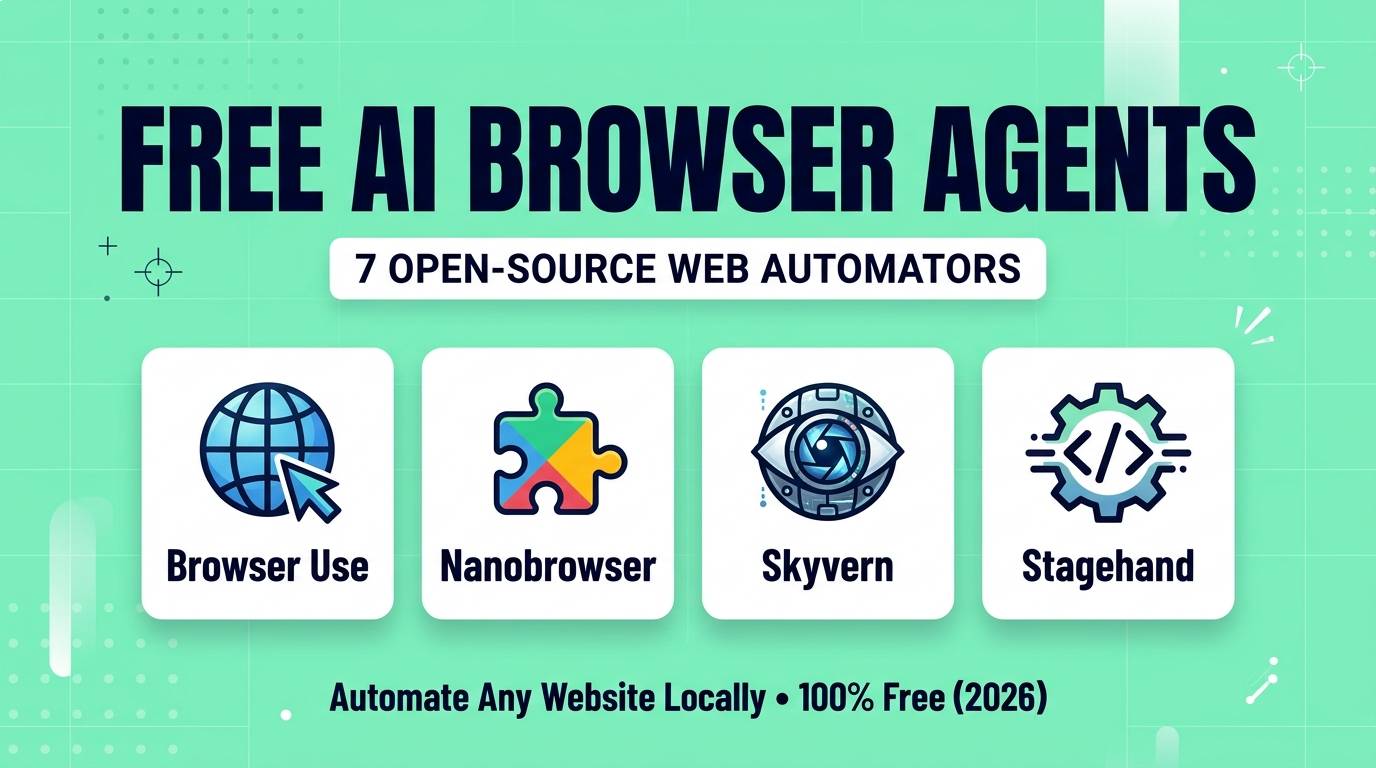
- Skip the $200/Month Paywall: Open-source browser agents let you automate complex web tasks locally on your own Chrome browser without paying for OpenAI Operator or per-step cloud credits.
- Browser Use is the undisputed open-source king (60,000+ GitHub stars), combining DOM parsing with vision to navigate any website via Python or its one-click WebUI.
- Nanobrowser is the best 100% free Chrome extension — an open-source multi-agent sidebar where you bring your own Ollama model or cheap API key.
- Skyvern uses Computer Vision instead of fragile XPath selectors, allowing it to fill out complex government, insurance, and procurement portals that break traditional scrapers.
- Stagehand and Agent-TARS (ByteDance) bridge the gap between natural language commands and rock-solid Playwright automation.
For years, web automation meant one of two painful choices: either you learned how to write brittle Selenium and Playwright scripts that broke every time a website changed a CSS class name, or you paid $50 to $200 a month for commercial "AI agent" platforms that locked you into strict monthly credit limits.
In 2026, AI browser agents have completely rewritten the rules. Instead of relying on hardcoded HTML selectors, modern AI agents see the web page just like a human does — combining DOM element trees with visual screenshots to click buttons, fill out multi-page forms, compare prices across 20 tabs, download invoices, and extract structured data automatically.
Best of all? The smartest browser agents in the world right now are 100% free and open-source. You can run them inside your existing Chrome profile (so you stay logged into your accounts without triggering bot blockers) and power them with free local models via Ollama or pennies-per-run API keys like DeepSeek and Qwen.
We tested the entire open-source ecosystem on real, messy web tasks — booking workflows, dynamic SPAs, multi-tab research, and form submissions. Here are the 7 best free open-source browser agents in 2026.
Quick Comparison Table
| Tool | Best For | How It Works | Local LLM (Ollama) | License |
|---|---|---|---|---|
| Browser Use | General web automation | DOM distillation + Vision + Playwright | ✅ Yes | MIT |
| Nanobrowser | Everyday Chrome sidebar tasks | Multi-agent Chrome Extension | ✅ Yes | Apache 2.0 |
| Skyvern | Complex forms & legacy portals | Pure Computer Vision + LLM | ✅ Yes | AGPL-3.0 |
| Stagehand | Developers building reliable bots | Playwright + `act()`, `extract()`, `observe()` | ✅ Yes | MIT |
| Agent-TARS | Full OS + Browser control | Native GUI Vision Action Model | ✅ Yes (Local VLM) | Apache 2.0 |
| Midscene.js | Visual web scraping & QA testing | Chrome Extension + JS SDK | ✅ Yes (Qwen-VL) | MIT |
| Bytebot | 24/7 background automation | Dockerized Linux + Headless Chrome | ✅ Yes | MIT |
1. Browser Use (WebUI) — Best Overall Open-Source Browser Agent
Browser Use single-handedly sparked the open-source browser agent revolution. When OpenAI announced Operator behind a $200/month ChatGPT Pro subscription, the Browser Use team released an open-source MIT-licensed alternative that actually outperformed it on the WebVoyager benchmark (scoring 89% success across live websites).
What makes Browser Use so fast and accurate is how it reads web pages. Instead of feeding raw, messy 50,000-line HTML files to an AI model (which wastes tokens) or relying purely on slow screenshot coordinate guessing, Browser Use injects numbered bounding boxes over every clickable button, input field, and link on the page. The LLM simply says "Click element [14] and type 'Morocco' into element [18]" — resulting in near-instant, pinpoint accuracy.
If you do not want to write Python code, the official Browser Use WebUI (available via Gradio or one-click install in Pinokio) gives you a clean dashboard where you type your task, watch a live video stream of the browser working, and connect your own local Chrome profile so all your cookies and logins are ready to go.
Browser Use Scores
2. Nanobrowser — Best Free Chrome Extension Agent
Most open-source browser agents require you to spin up a Python environment or launch a separate Playwright Chromium window. Nanobrowser skips all of that friction by running entirely inside a standard Chrome Extension.
Once installed, you open the side panel on any tab and type a multi-step instruction — for example: "Go to my open LinkedIn tab, find the 10 most recent posts about AI directories, and summarize their top hooks into a table."
Under the hood, Nanobrowser uses a clever three-agent architecture: a Planner agent that breaks down complex goals and recovers from errors, a Navigator agent that clicks and scrolls the DOM, and a Validator agent that verifies whether the step actually succeeded. Even better, you can assign different models to each role — like using a smart model for the Planner and a fast, free local Ollama model for the Navigator.
Nanobrowser Scores
3. Skyvern — Best Vision-Based Form & Workflow Automator
Have you ever tried to automate a government portal, an old insurance website, or a supplier checkout page where the HTML code is an unreadable mess of nested tags and dynamic IDs? Traditional DOM-based scrapers fail immediately on those sites. Skyvern was engineered specifically to conquer them.
By pairing Vision-Language Models (VLMs) with semantic reasoning, Skyvern visually reads form labels, dropdown menus, date pickers, and radio buttons the same way a human assistant would. You can give it a single structured payload of company details (like your SaaS name, URL, description, and logo) and tell Skyvern to submit your product to 30 different startup directories automatically — even though every single form has a completely different layout.
Skyvern's open-source edition runs locally via Docker Compose and includes a full visual dashboard where you can replay past runs, inspect every screenshot, and support 2FA/TOTP codes automatically.
Skyvern Scores
4. Stagehand — Best AI + Playwright Hybrid Framework
Purely autonomous agents are great for ad-hoc tasks, but if you are a developer building a production tool, you do not want an AI "guessing" what to do on every single page load — it is too slow and unpredictable. You want deterministic code when possible, and AI flexibility when needed. That is why Stagehand exists.
Built on top of Playwright (TypeScript/JavaScript), Stagehand lets you mix normal Playwright code with three natural-language AI commands:
await page.act("Click the 'Add to Cart' button")— executes an action without needing a CSS selector.await page.extract("Grab all product names and prices", schema)— pulls clean JSON data matching your Zod schema.await page.observe()— previews available actions on a page and caches the DOM selectors so subsequent runs cost zero AI tokens!
That self-healing caching feature is a game-changer: Stagehand uses the LLM once to find the element, caches the path for free repeatable speed, and only calls the AI again if the website redesigns its layout.
Stagehand Scores
5. UI-TARS / Agent-TARS — Best Desktop & Browser GUI Agent
What happens when your workflow starts inside a web browser, downloads a CSV file, opens it in a desktop spreadsheet app, and then uploads a chart into another web tab? Browser-only extensions hit a brick wall. Agent-TARS (paired with ByteDance's open-weight UI-TARS models) handles both the browser and your operating system.
Unlike general LLMs that were trained on text and bolted onto browsers afterward, the UI-TARS-1.5 models were trained natively on millions of GUI screenshots, mouse clicks, drag-and-drop gestures, and keyboard shortcuts. You can download the 7B model weights for free on Hugging Face, run the sleek Agent-TARS desktop app on Mac or Windows, and watch it control your browser and local files with human-like precision.
Agent-TARS Scores
6. Midscene.js — Best Zero-Code Visual Web Automation
Midscene.js is an underrated gem for both web scrapers and QA testers. It installs as a free Chrome extension where you can test natural language actions live on any page, and generates a gorgeous interactive timeline player showing every visual target, mouse trajectory, and extracted JSON payload.
Its killer feature is native optimization for Qwen2.5-VL (Alibaba's open-source Vision-Language Model). Because Qwen2.5-VL is exceptionally good at returning exact pixel coordinates on 1080p screens, Midscene can automate complex canvas elements, web games, and custom charts that have zero underlying HTML text in the DOM.
Midscene.js Scores
7. Bytebot — Best Self-Hosted Containerized Browser Desktop
One annoyance with local desktop agents is that while they are working, they hijack your mouse and keyboard — meaning you cannot use your computer until the agent finishes. Bytebot solves this by wrapping a full virtual Linux desktop, browser, file manager, and password store inside a single self-hosted Docker container.
You open Bytebot in a browser tab, log into the websites you want it to manage inside its virtual screen, upload PDFs or spreadsheets to its virtual desktop, and dispatch long-running background tasks while you continue working undisturbed on your main computer.
Bytebot Scores
Pro Tip: How to Avoid CAPTCHAs & Bot Blocks
When you use paid cloud browser agents, websites immediately flag their data-center IP addresses and throw endless Cloudflare CAPTCHAs at them. Here is why running these open-source tools locally is a massive advantage:
Use Your Real Chrome Profile (CDP): Both Nanobrowser (as a native extension) and Browser Use (via Chrome DevTools Protocol port `9222`) let you attach the AI directly to your normal, everyday Chrome browser. Because you are using your residential IP address, real browser fingerprint, and existing logged-in session cookies, websites treat the AI agent like a normal human user — bypassing 95% of login walls and CAPTCHAs automatically.
Which Browser Agent Should You Choose?
Our Recommendations by Use Case
- You want the easiest zero-setup Chrome sidebar agent right now: Install Nanobrowser.
- You want the most powerful all-around autonomous agent: Use Browser Use (WebUI).
- You want to auto-submit forms across dozens of different websites: Use Skyvern.
- You are a JS/TS developer building repeatable scrapers or bots: Use Stagehand.
- You need an agent that controls both Chrome and desktop apps: Use Agent-TARS or Bytebot.
Frequently Asked Questions
Are open-source browser agents really 100% free?
Yes. All seven tools on this list are open-source and free to download and run locally. If you connect them to local models via Ollama (such as Qwen2.5-VL or Llama 3.3), your total cost is $0. If you plug in a cloud API key like DeepSeek or Gemini Flash, a complex 20-step web task costs less than half a cent.
Which free local AI model works best for browser automation?
For vision-based browser agents (like Midscene, Skyvern, or Browser Use with vision enabled), Qwen2.5-VL (7B or 32B) and ByteDance's UI-TARS-1.5-7B are the top local performers. For DOM-based navigation, Qwen3-Coder or DeepSeek V4.1 via API offer near-flawless JSON action calling.
Is it safe to let an AI browser agent use my logged-in Chrome profile?
While local open-source agents keep your cookies and passwords on your own machine (unlike cloud agents that require you to upload credentials to remote servers), you should still supervise agents when banking or payment tabs are open, or create a dedicated secondary Chrome profile for your automation workflows.
How do Browser Use and Nanobrowser compare to OpenAI Operator?
OpenAI Operator runs inside a remote cloud browser, which frequently triggers bot blockers and requires a high-tier subscription. Browser Use and Nanobrowser run locally on your own IP and browser session, execute DOM clicks faster than cloud pixel-streaming, and cost nothing in monthly subscription fees.
Web automation is no longer locked behind enterprise RPA contracts or $200/month AI subscriptions. Grab Nanobrowser or Browser Use today, connect your favorite local or low-cost model, and let an open-source agent handle your repetitive browser work for good.
Want to explore more autonomous AI agents and productivity tools? Browse our complete AI tools directory for 100+ tested and ranked tools.