Key Takeaways
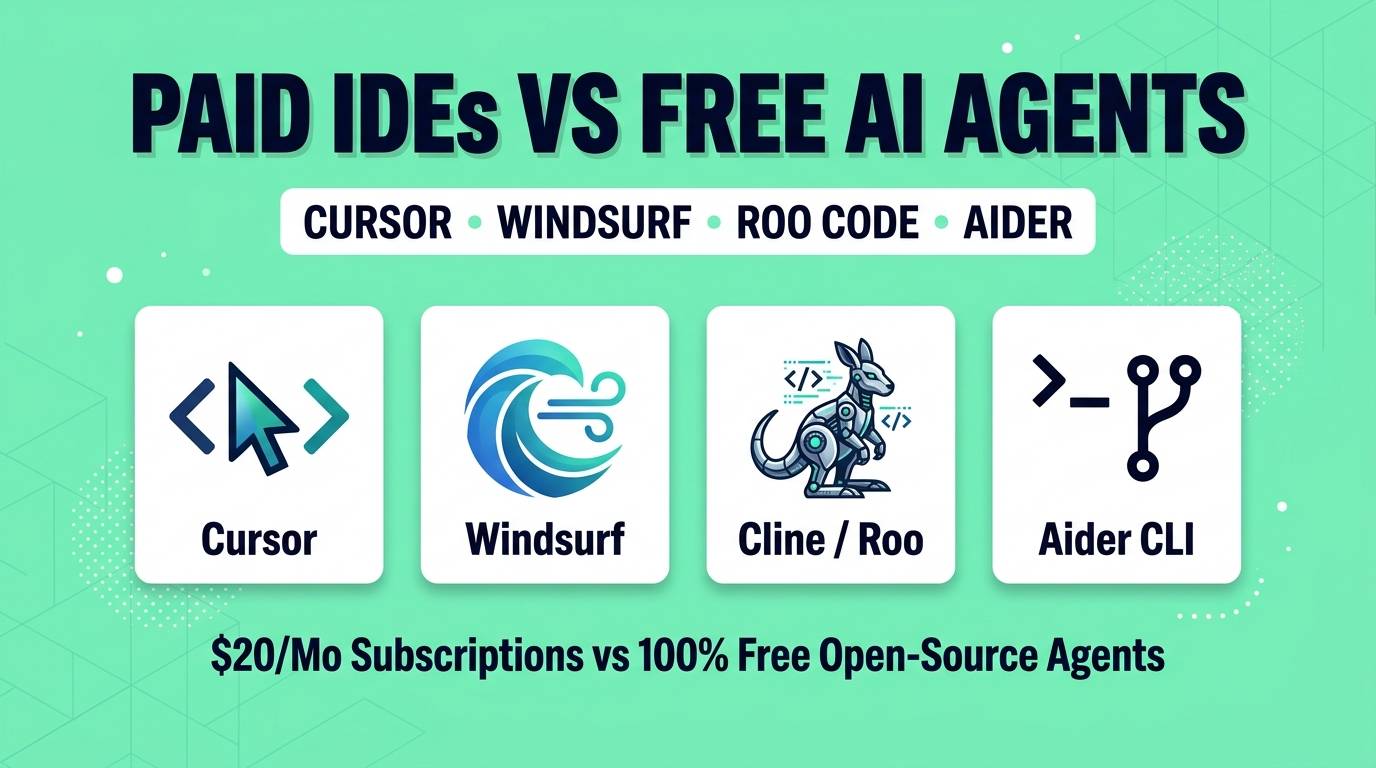
- The Great Divide in 2026: AI coding tools have split into two camps: proprietary paid VS Code forks (Cursor, Windsurf) vs. 100% free open-source extensions and CLI agents (Cline, Roo Code, Aider).
- Cursor ($20/mo): Still the king of raw inline speed (Cursor Tab autocomplete) and multi-agent background workflows, but strict fast-request quotas frustrate heavy builders.
- Windsurf ($15/mo): Acquired by Cognition, its Cascade flow and Riptide codebase indexing are super smooth, though heavy users burn through its 500 monthly prompt credits quickly.
- Cline & Roo Code ($0 Extension): The open-source champions (5M+ installs). Run inside normal VS Code, support full MCP servers, and let you plug in free local Ollama models or DeepSeek APIs for 90% cost savings.
- Aider ($0 CLI): The terminal-native Git master. Automatically commits every logical edit with clean commit messages and beats GUI agents on surgical multi-file refactors.
If you write code in 2026, you have probably hit the dreaded mid-month AI wall. You are paying $15 to $20 a month for Cursor or Windsurf, everything feels magical for the first ten days, and then — right in the middle of a deadline — you get throttled into a slow queue or asked to buy a $10 top-up credit pack because your agentic sessions burned through your monthly quota.
That exact frustration has triggered a massive migration over the last six months. Thousands of developers are ditching paid proprietary IDEs and moving back to standard VS Code (or VSCodium) paired with 100% free, open-source coding agents like Cline, Roo Code, and Aider.
But are free open-source agents actually as good as Cursor and Windsurf? Can a free VS Code extension really match a venture-backed AI editor? I spent a full month rotating between all four setups on real production codebases (PHP/MySQL backends, React/Tailwind frontends, and Node.js apps). Here is the honest breakdown.
Quick Verdict: The 30-Second Answer
At a Glance
- Best 100% Free All-Rounder: Roo Code (or Cline) inside VS Code — gives you autonomous multi-file editing, browser testing, and Boomerang sub-agents with zero subscription fees.
- Best for Hands-On Speed & Tab Completion: Cursor — if you edit code manually alongside AI and want predictive multi-line Tab jumps, nothing beats Cursor's proprietary autocomplete model.
- Best for Enterprise Codebase Indexing: Windsurf — its Cascade engine and Riptide RAG indexing understand sprawling legacy folders with zero manual `@file` tagging.
- Best for Zero-Nonsense Git Refactors: Aider — lives in your terminal, maps your entire repository AST, and makes clean, revertible Git commits after every prompt.
Head-to-Head Comparison Table
| Feature | Cursor | Windsurf | Cline / Roo Code | Aider |
|---|---|---|---|---|
| Type | Forked VS Code IDE | Forked VS Code IDE | VS Code Extension | Terminal CLI Agent |
| License | Proprietary | Proprietary (Cognition) | Open Source (Apache 2.0) | Open Source (Apache 2.0) |
| Base Price | $20 / month | $15 / month | $0 (100% Free) | $0 (100% Free) |
| Local LLM (Ollama) | Limited (No Tab/Agent) | No | ✅ Full Native Support | ✅ Full Native Support |
| Tab Autocomplete | ✅ Best-in-class | ✅ Supercomplete | Needs Continue.dev (Free) | ❌ No (CLI only) |
| Sub-Agent Orchestration | ✅ Parallel Subagents | ✅ Cascade Flows | ✅ Boomerang Tasks (Roo) | Architect + Editor Split |
| MCP Server Support | ✅ Yes | ✅ Yes | ✅ Pioneer & Best UI | Via CLI tools |
1. Cursor — The Polished Speed Demon ($20/mo)
There is a reason Cursor became the default benchmark for AI editors. While anyone can build a chat sidebar that calls Claude or GPT, Cursor's real moat is Cursor Tab — its custom small-parameter model that predicts not only what you are about to type next, but where your cursor wants to jump three lines down.
Change a variable name in a function signature, and Cursor immediately highlights the four other places in the file that need updating; press `Tab`, `Tab`, `Tab` and you are done in two seconds. Combined with its Agent Composer mode (which can now spin up parallel background agents in cloud VMs), Cursor feels effortless.
Why developers are leaving Cursor: Opacity and context throttling. To keep its $20/month flat subscription profitable, Cursor aggressively truncates context windows behind the scenes. Worse, because it is a closed-source fork of VS Code, certain official Microsoft extensions and remote SSH setups break or lag behind upstream VS Code releases.
Cursor Scores
2. Windsurf — The Context & Flow Specialist ($15/mo)
Originally built by Codeium and later acquired by Cognition (the makers of Devin), Windsurf excels at one specific thing: automatic codebase awareness. In other tools, you often have to babysit the AI by manually tagging `@auth.php` and `@database.sql` so it knows which files to read.
Windsurf's Riptide indexing engine and Cascade agent watch what you are doing in real time. If you rename a column in your SQL schema and open your API controller, Windsurf already knows why you are there and offers to update the query without you typing a paragraph of context.
Why developers are leaving Windsurf: The credit burn rate. Windsurf Pro costs $15/month for 500 prompt credits, with extra credits costing $10 per 250. On a large production codebase, a single complex multi-step debugging session with a frontier model can consume 15% to 30% of your daily quota in twenty minutes.
Windsurf Scores
3. Cline & Roo Code — The Free Open-Source VS Code Kings ($0)
Why install a proprietary fork of VS Code when you can turn your existing VS Code into a more powerful AI powerhouse for free? Cline (nearly 60,000 GitHub stars and 5M+ installs) and its community power-user fork Roo Code are the hottest tools in software engineering right now.
Unlike Cursor or Windsurf, Cline and Roo Code never compress or hide your context window. When you tell them to build a feature, they read the exact files needed, run terminal commands, spin up a headless browser to visually inspect your localhost UI, check the console for errors, and fix bugs autonomously.
While Cline pioneered the space with its clean Plan / Act workflow, Roo Code took things to the next level with two killer features:
- Custom Persona Modes (Architect, Code, Debug, Ask): You can assign a reasoning model (like DeepSeek R1 or o3-mini) to the Architect mode to design the plan, and automatically hand off implementation to a fast, dirt-cheap model (like Qwen3-Coder or DeepSeek V4.1) in Code mode.
- Boomerang Tasks (Sub-Agents): When tackling a huge 30-file refactor, Roo Code's orchestrator spawns isolated sub-tasks for each file so the main context window never gets polluted or confused.
Best of all, both extensions are 100% free under the Apache 2.0 license. You can plug in local Ollama or LM Studio models to code completely offline for $0, or use OpenRouter/DeepSeek keys with zero middleman markup.
Cline & Roo Code Scores
4. Aider — The Terminal & Git Refactoring Master ($0)
If you love Neovim, JetBrains (PhpStorm / WebStorm), Emacs, or simply prefer a fast terminal over cluttered GUI sidebars, Aider is unmatched. You open your terminal inside any project folder, type `aider`, and start talking to your codebase.
What makes Aider technically brilliant is its Repository Map. Instead of stuffing whole files into the prompt or relying on fuzzy vector search, Aider uses Tree-sitter to build a concise Abstract Syntax Tree (AST) map of every class, function signature, and dependency across your entire repo. Even on massive 500-file projects, Aider knows exactly where everything lives while using a fraction of the tokens of GUI agents.
Its second superpower is native Git integration. Every time Aider finishes editing your files, it automatically stages the diff and creates a clean, descriptive Git commit. If the AI ever breaks something or goes down the wrong path, you just type `/undo` and Aider instantly reverts the Git commit cleanly. No messy broken files left behind.
Aider Scores
The Real Cost Math: Subscription vs Free Open-Source
Paid IDE fans often argue: "Sure, Cline and Roo Code are free extensions, but you still have to pay for API tokens if you don't have a local GPU!" Let us look at the actual numbers in late 2026:
| Setup | Monthly Software Fee | Typical Model Cost | Total Monthly Cost | Limits / Throttling |
|---|---|---|---|---|
| Cursor Pro | $20.00 | Included (up to quota) | $20 – $40/mo | Throttled after 500 fast requests |
| Windsurf Pro | $15.00 | Included (500 credits) | $15 – $35/mo | Hard cap; $10 per 250 extra credits |
| Roo Code + Local Ollama (Qwen3-Coder) | $0.00 | $0.00 (Runs on your GPU) | $0.00 / month | 100% Unlimited & Offline |
| Roo Code / Aider + DeepSeek V4.1 API | $0.00 | ~$3.50 to $6.00 (Pay-as-you-go) | ~$4.50 / month | Zero throttling, full context |
Pro Tip: How to Replicate Cursor's Tab Autocomplete for $0
The only thing missing when you install Cline or Roo Code inside VS Code is inline "Tab" autocomplete while you type manually. Here is how to add it in 60 seconds for $0:
The Ultimate $0 VS Code Stack:
1. Install Roo Code (or Cline) for your heavy autonomous multi-file agent.
2. Install the free open-source Continue.dev extension alongside it, and turn OFF its chat sidebar (leaving only its Autocomplete enabled).
3. Point Continue's autocomplete to a tiny 1.5B or 3B local model running in Ollama (`ollama run qwen2.5-coder:1.5b`) or a free Codestral API key.
You now have instant, sub-100ms inline Tab completions plus a world-class autonomous agent inside pure VS Code — for $0/month.
Which Setup Should You Choose?
Final Recommendations
- Switch to Roo Code (or Cline) if: You want the most reliable autonomous agent for complex multi-file features, full control over your context window, MCP tools, and the freedom to use free local models or ultra-cheap DeepSeek/Qwen APIs.
- Switch to Aider if: You are a seasoned developer who lives in the terminal, uses JetBrains/Neovim/VS Code interchangeably, and wants every AI edit safely wrapped in an atomic Git commit.
- Stay on Cursor if: You happily pay $20/month for the convenience of zero configuration and rely heavily on Cursor Tab's predictive multi-line cursor jumps while editing by hand.
- Stay on Windsurf if: You work on a team that values enterprise governance and want an IDE that indexes your codebase automatically without manual file tagging.
Frequently Asked Questions
What is the difference between Cline and Roo Code?
Roo Code is a community-driven open-source fork of Cline. While Cline focuses on a streamlined Plan/Act workflow with step-by-step approval governance, Roo Code moves faster with power-user features like customizable agent personas (Architect, Code, Debug), Boomerang sub-task orchestration, and more granular diff-editing controls.
Can I use Cline, Roo Code, and Aider completely free without paying for API keys?
Yes. All three tools are 100% free open-source software and support local AI runners like Ollama and LM Studio out of the box. By running an open-weight model like Qwen3-Coder-30B or Qwen2.5-Coder-14B on your own GPU or Apple Silicon Mac, your total cost is $0 with complete offline privacy.
Why does Roo Code succeed on large refactors where Cursor fails?
Subscription IDEs like Cursor and Windsurf aggressively summarize and compress file context behind the scenes to save server costs on flat-rate plans, which can cause the AI to forget imports or hallucinate methods. Roo Code sends the full, unedited file context and uses Boomerang sub-tasks to give each file edit a fresh, isolated context window.
Can I use Aider and Roo Code together?
Absolutely. Many power developers keep Roo Code in their VS Code sidebar for UI building, browser testing, and MCP integrations, while running Aider in their integrated terminal for fast, Git-committed backend refactors.
The era of being locked into a single $20/month AI code editor is over. Install Roo Code or Aider today, test them alongside your favorite local or open-weight coding model, and take back full control of your development workflow.
Looking for more AI coding assistants, app builders, and developer tools? Browse our complete directory of 100+ reviewed and ranked AI tools.