Key Takeaways
- No More Per-Minute Credit Traps: Commercial avatar tools charge $1.20 to $10 per minute of generated video. Open-source models run locally on your GPU with zero watermarks and zero duration limits.
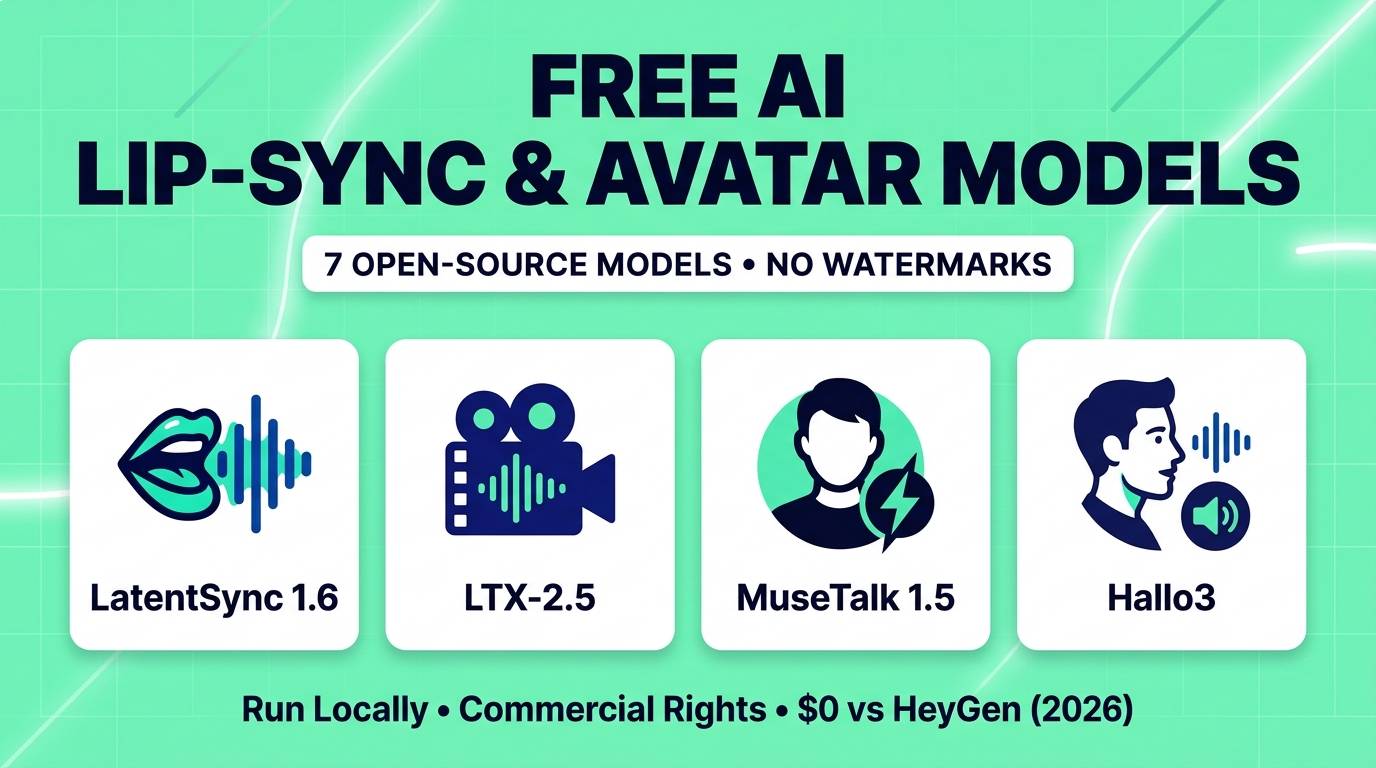
- LatentSync 1.6 (ByteDance): The highest-detail offline video re-sync model in 2026 — trained on sharp 512×512 face crops with Apache 2.0 code and commercial-friendly OpenRAIL++ weights.
- LTX-2.5 Audio-to-Video & LTX Dub-It (Lightricks): Generates brand-new talking characters with synchronized speech from scratch, or dubs existing videos into new languages while preserving the original speaker's voice.
- MuseTalk 1.5 (Tencent): The real-time speed king — runs at 30+ FPS under a permissive MIT license, ideal for live interactive AI avatars and fast dubbing.
- Hallo3, Sonic & EchoMimicV2: Turn a single static portrait photo into a dynamic, blinking, head-moving, hand-gesturing presenter.
If you create faceless YouTube channels, localized marketing videos, online courses, or virtual influencers, you know how quickly commercial AI avatar platforms drain your budget. Tools like HeyGen, Sync Labs, and D-ID lure you in with a 30-second watermarked trial, then charge $29 to $100+ per month with strict per-minute rendering caps.
Even worse, classic open-source tools like Wav2Lip have become obsolete in 2026: Wav2Lip outputs blurry low-resolution mouths and strictly prohibits commercial use due to its academic training dataset.
Fortunately, a new generation of open-weight diffusion models has completely replaced both Wav2Lip and expensive cloud APIs. Whether you want to re-sync existing video footage to a new voiceover or animate a single still portrait into a lifelike talking presenter, here are the 7 best free open-source AI lip-sync models in 2026.
Re-Sync Footage vs. Talking Photo: Know the Difference
Before downloading weights, match your input files to the right model category:
- Video-to-Video Re-Sync (LatentSync 1.6, MuseTalk 1.5, LTX Dub-It): You already have a video of a person speaking, and you want to replace the audio track (for translation, correcting a misspoken line, or dubbing) while repainting only the mouth and jaw region to match the new words.
- Audio-Driven Portrait Animation (LTX-2.5 A2V, Hallo3, Sonic, EchoMimicV2): You only have a single still photograph (or AI-generated character image) plus an audio file, and you want the AI to generate natural head movements, blinking, breathing, and lip movements from scratch.
Quick Comparison Table: VRAM, Speed & Licenses
| Model | Input Mode | Face / Output Res | Min VRAM | Commercial Use |
|---|---|---|---|---|
| LatentSync 1.6 | Video + Audio (Re-sync) | 512×512 face crop | 18GB (8GB for v1.5) | ✅ Yes (Apache 2.0 / OpenRAIL++) |
| LTX-2.5 A2V & Dub-It | Audio / Text / Video | Up to 1280×720+ | 24GB–32GB (FP8) | ✅ Yes (Free under $10M rev) |
| MuseTalk 1.5 | Video or Photo + Audio | 256×256 face region | 8GB VRAM (30+ FPS) | ✅ Yes (MIT License) |
| Hallo3 | 1 Photo + Audio | Dynamic DiT Video | 24GB+ VRAM | Conditional (CogVideoX terms) |
| Sonic | 1 Photo + Audio | Portrait + Full Head | 12GB–16GB (ComfyUI) | Non-commercial (CC BY-NC) |
| EchoMimicV2 | 1 Photo + Audio + Pose | Half-body + Hands | 12GB VRAM | ✅ Yes (Apache 2.0) |
| LivePortrait | 1 Photo + Driving Video/Audio | 512×512 (12.8ms/frame) | 4GB–6GB VRAM | ✅ Yes (MIT License) |
1. LatentSync 1.6 — Best High-Res Video Re-Sync (512×512)
When you dub a close-up talking-head video, the dead giveaway of cheap AI lip-sync is a blurry, low-resolution square around the actor's mouth while their eyes and forehead remain razor-sharp. ByteDance solved this in LatentSync 1.6 by retraining its Stable Diffusion-based latent architecture directly on 512×512 face crops.
Unlike two-stage models that rely on intermediate 3D facial landmarks (which often flatten tooth detail), LatentSync uses Whisper audio embeddings fed directly into a U-Net via cross-attention, supervised by pixel-space TREPA and SyncNet losses. The result is realistic teeth rendering, natural tongue visibility, and tight temporal consistency across 60-second clips.
Hardware note: LatentSync 1.6 requires roughly 18GB of VRAM for its 512×512 resolution. If you have an 8GB or 12GB graphics card, simply switch to the included LatentSync 1.5 checkpoint, which runs cleanly on 8GB VRAM.
LatentSync 1.6 Scores
2. LTX-2.5 Audio-to-Video & Dub-It — Best Full Talking Scene
While traditional lip-sync tools only paint over a mouth on existing video, Lightricks' LTX-2.5 foundation model treats audio and video as a single unified modality. That unlocks two massive capabilities in one open-weight package:
- LTX-2.5 Audio-to-Video (A2V): Feed it a portrait image and a voice recording (generated with Kokoro or F5-TTS), and LTX-2.5 generates a full 720p+ cinematic clip where the character's body, shoulders, eyes, background, and lips move together organically.
- LTX Dub-It Pipeline: Feed it an existing spokesperson video plus new translated dialogue text — it automatically clones the speaker's vocal timbre, generates the translated speech, and re-syncs their lip movements across five major languages.
LTX-2.5 Scores
3. MuseTalk 1.5 — Best Real-Time Lip Sync (30+ FPS, MIT)
Multi-step diffusion models look incredible, but waiting two minutes to render a 10-second clip makes interactive conversational avatars impossible. MuseTalk 1.5 solves this by performing single-pass latent inpainting rather than iterative denoising — hitting 30+ FPS real-time generation.
Version 1.5 introduced a two-stage training pipeline with perceptual GAN and sync losses, dramatically sharpening teeth and lip contours over v1.0. Because both its code and model checkpoints are released under the 100% permissive MIT License, MuseTalk 1.5 is the #1 choice for developers building commercial SaaS apps, live customer support avatars, and fast batch video dubbing on 8GB–12GB GPUs.
MuseTalk 1.5 Scores
4. Hallo3 — Best Cinema-Quality Talking Portrait (DiT)
Older talking-photo tools froze the background and hair completely while only wiggling the person's lips — creating an eerie "cardboard cutout" effect. Accepted at CVPR, Hallo3 replaces legacy U-Nets with a full Video Diffusion Transformer (CogVideoX-5B).
When you give Hallo3 a single portrait photo and a WAV voice track, the entire scene comes alive: hair sways naturally with head turns, clothing shifts, eyes blink in rhythm with speech phrasing, and background elements remain temporally coherent.
5. Sonic — Best Natural Head Motion & Audio Perception
Most models look at tiny 0.2-second slices of audio, resulting in jittery head twitches. Sonic uses a global audio perception module and time-aware shifted windows to read the phrasing of an entire paragraph — generating smooth, continuous 1-to-10 minute talking videos on both photorealistic portraits and stylized 2D/3D anime characters inside ComfyUI.
6. EchoMimicV2 — Best Half-Body Presenter With Hand Gestures
Tight head-and-shoulders crops get boring fast in educational or news videos. EchoMimicV2 solves the "floating head" problem by animating waist-up portraits — generating natural hand gestures and torso posture shifts that match the cadence of your voiceover under a full Apache 2.0 commercial license.
7. LivePortrait — Fastest Ultra-Light Facial Retargeting (660MB)
If you have a modest 4GB or 6GB laptop GPU, heavy Diffusion Transformers will feel slow. LivePortrait (MIT license) weighs just 660MB, renders at 70+ FPS (12.8ms per frame), and can be paired with audio-to-motion plugins in ComfyUI (`ComfyUI-LivePortraitKJ`) to animate portraits, oil paintings, and stylized mascots with granular control over eye gaze and smile intensity.
How to Run These Models in 1 Click (ComfyUI & Pinokio)
Zero-Terminal Setup Guide:
• Pinokio 1-Click Installer: Open Pinokio (pinokio.computer) and search for LatentSync, MuseTalk, Hallo3, or LivePortrait. Click "Install" to automatically set up isolated Python dependencies and launch a clean Gradio web UI.
• ComfyUI Custom Nodes: Install ComfyUI-LatentSyncWrapper, ComfyUI-MuseTalk, or ComfyUI_Sonic via ComfyUI Manager. You can chain Kokoro TTS (text-to-speech) directly into LatentSync 1.6 inside a single workflow to generate completely automated talking-head videos from a text script for $0.
Which Lip-Sync Model Should You Choose?
Our Recommendations by Use Case
- You want to re-sync or dub existing video at maximum sharpness (18GB+ VRAM): Use LatentSync 1.6.
- You want commercial-safe real-time lip-sync on an 8GB–12GB GPU: Use MuseTalk 1.5 (MIT License).
- You want to translate a video while cloning the speaker's own voice: Use LTX-2.3 / 2.5 Dub-It.
- You have 1 static photo and want a waist-up presenter with hand gestures: Use EchoMimicV2 (Apache 2.0).
- You have a 4GB–6GB laptop GPU: Use LivePortrait.
Frequently Asked Questions
Why should I stop using Wav2Lip in 2026?
Open-source Wav2Lip is restricted to non-commercial research use only (due to its LRS2 training dataset) and produces noticeably blurry, low-resolution mouth boxes. Models like MuseTalk 1.5 (MIT) and LatentSync 1.6 (Apache 2.0 / OpenRAIL++) allow commercial use while delivering crisp 256×256 and 512×512 facial detail.
Can I monetize YouTube videos created with LatentSync 1.6 and MuseTalk 1.5?
Yes. MuseTalk 1.5 is released under the permissive MIT license, and LatentSync 1.6 uses Apache 2.0 code with OpenRAIL++ weights that permit commercial video production, provided you have consent to use the likeness and voice of the person in the video.
How do I generate the voice track for these lip-sync models for free?
Pair your lip-sync model with open-source TTS and voice cloning tools like Kokoro-82M (for ultra-fast natural narration) or F5-TTS (to clone your own voice from a 5-second audio clip) — both run 100% locally for $0.
What is the best model if I only have 8GB of GPU VRAM?
MuseTalk 1.5, LatentSync 1.5, and LivePortrait all run comfortably on 8GB consumer NVIDIA cards (like the RTX 3060, RTX 3070, or RTX 4060) without out-of-memory crashes.
You no longer need to pay per-second rendering fees to make avatars speak or dub videos into new languages. Install LatentSync 1.6 or MuseTalk 1.5 locally today and enjoy unlimited, watermark-free lip-syncing.
Need a free AI voice to drive your talking avatars? Check out our guides to the 9 Best Free AI Audio & Voice Tools and 7 Best Free Local AI Video Generators, or browse our complete AI tools directory.