Key Takeaways
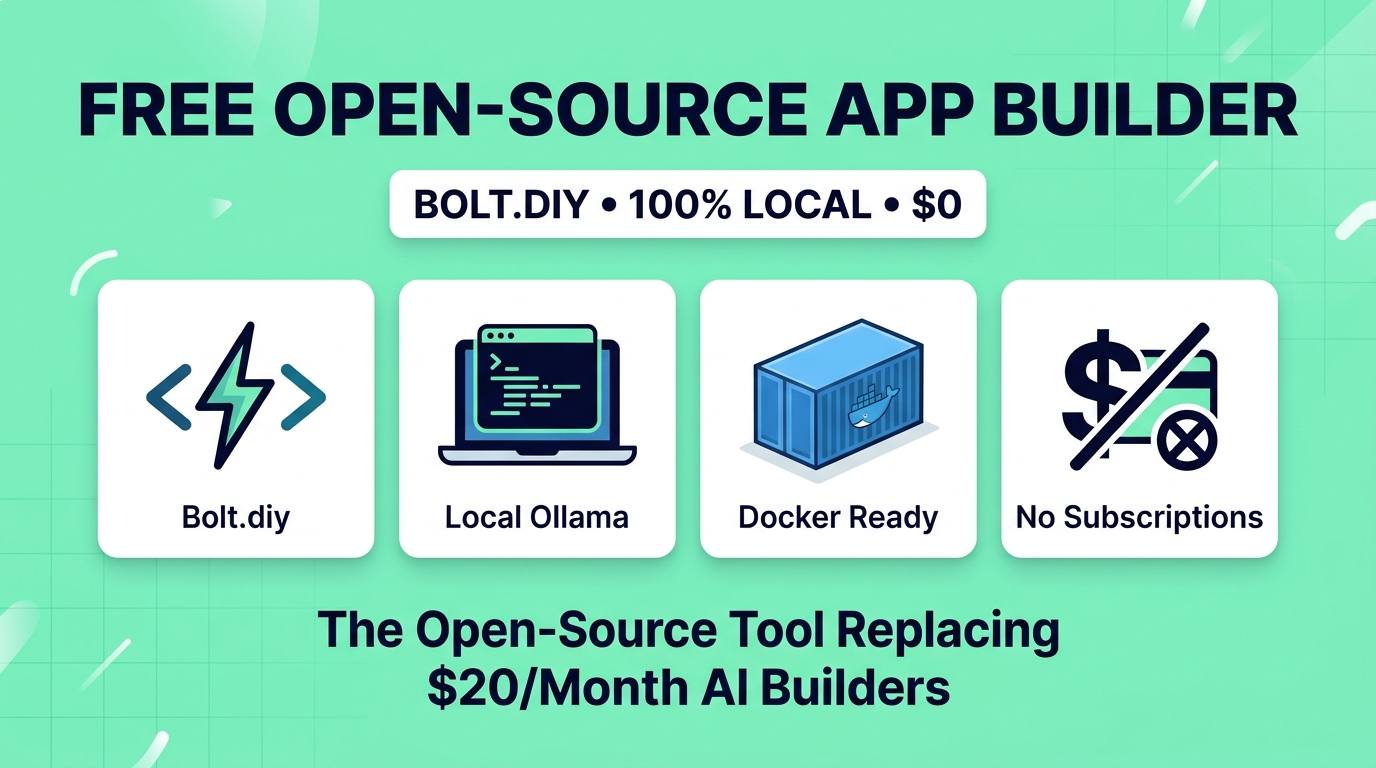
- The Subscription Killer: Bolt.diy is an open-source, community-driven fork of StackBlitz's Bolt.new that eliminates the $20 to $50/month fee while providing the exact same browser-native coding environment.
- Bring Your Own Brain (BYOK): Connect to 100% free local models via Ollama and LM Studio (like Qwen 2.5 Coder or DeepSeek), or hook into dirt-cheap API endpoints with zero markup.
- No Token Burn Rate: Paid web builders charge you per prompt and consume tokens on your entire codebase; Bolt.diy lets you build 100-file applications locally without watching a credit meter dwindle.
- One-Click Deployment: Runs via Docker or a simple terminal command on Mac, Windows, and Linux, complete with live browser preview and direct Git synchronization.
If you have used AI app builders like Bolt.new, v0, or Lovable over the past few months, you know the exact moment the excitement curdles into frustration. You are in the flow state, scaffolding a SaaS dashboard or an internal client portal. You prompt the AI to fix a small layout bug — and suddenly a red warning flashes across your screen: "You have exhausted your monthly token allocation. Upgrade to Pro for $25/month."
Because these commercial platforms re-send your entire repository context back to frontier models on every single prompt, heavy building sessions burn through monthly allowances in an afternoon. You are left paying $240 to $600 a year just for the privilege of typing prompts into a browser window.
Frustrated by these recurring paywalls, the developer community did what it does best: they took the open-source core of StackBlitz's WebContainers and built Bolt.diy. It has quickly become one of the fastest-trending repositories on GitHub — and it proves that you never need to rent an AI app builder again.
Here is what Bolt.diy actually is, how it compares to paid alternatives, and how you can get it running locally on your computer in under three minutes.
What Is Bolt.diy?
Bolt.diy is an open-source web application development platform based on StackBlitz's WebContainer technology. Just like commercial platforms, it features a split-pane interface: a conversational AI chat bar on the left, an editable code tree in the center, and an interactive, live-updating browser preview on the right.
When you type: "Build a responsive habit tracking dashboard with dark mode, localStorage persistence, and interactive chart analytics," Bolt.diy creates the project directory, installs npm packages, writes React or Vue components, and compiles the project inside your browser.
The monumental difference lies in how it connects to AI models. While commercial tools lock you into their proprietary cloud proxy and markup token prices, Bolt.diy features a modular LLM switcher supporting over a dozen providers — including completely offline, free local runners.
Bolt.diy vs Bolt.new & Lovable: The $240 Savings
How does a free, community-driven tool compare to venture-backed platforms charging $20 to $50 per month? Here is the head-to-head breakdown:
| Feature | Bolt.diy (Open Source) | Bolt.new (Official) | Lovable Pro |
|---|---|---|---|
| Monthly Price | $0 (Free Forever) | $20 / month ($240/yr) | $25 / month ($300/yr) |
| Token Caps & Limits | None (Unlimited) | Strict monthly credit pool | Credit-based action pool |
| Local AI Support | ✅ Yes (Ollama, LM Studio) | ❌ No | ❌ No |
| API Provider Choice | OpenRouter, Groq, DeepSeek, Mistral | Locked into StackBlitz | Locked into Lovable |
| Framework Support | React, Vue, Svelte, Astro, Next.js | React, Vue, Svelte, Astro | Primarily React (Vite) |
| Source Code License | Open Source (GitHub) | Proprietary Cloud | Proprietary Cloud |
| Hosting Location | Localhost / Self-Hosted Docker | StackBlitz Cloud | Lovable Cloud / Supabase |
The Math That Matters: If you use Bolt.new Pro for 12 months, you spend $240. If you switch to Bolt.diy powered by an offline model like Qwen 2.5 Coder via Ollama, your annual software cost is literally $0. Even if you choose to connect DeepSeek V3 or Claude 3.5 Sonnet via an OpenRouter API key, you pay raw wholesale token costs — typically around $1 to $3 per full application instead of a recurring $20 subscription.
4 Features That Make It Better Than Paid Tools
Bolt.diy is not just a cheap knockoff; in several key workflows, it is actually superior to commercial alternatives:
1. Zero Context Fear
When using paid tools, every prompt feels stressful. You hesitate to ask simple questions like "Can you center that icon?" because you know the tool will bill you for re-reading 40,000 tokens of existing code. With Bolt.diy running on local models, iteration is completely cost-free. You can prompt 200 times an hour without anxiety.
2. Freedom to Switch Models Mid-Build
You can start scaffolding your application's layout using an ultra-fast, cheap model like Groq Llama-3.3-70B, switch to DeepSeek V3 for complex TypeScript business logic, and drop down to an offline Ollama instance when working on an airplane or train without internet.
3. Complete Code Privacy
If you work on sensitive proprietary software, enterprise prototypes, or client deliverables subject to non-disclosure agreements, uploading raw code to cloud AI proxies is a non-starter. Bolt.diy running with local Ollama weights guarantees that not a single line of your codebase ever leaves your machine.
4. Unlocked Git & Export Mechanics
There are no artificial download barriers. With one click, your project exports as a standard `.zip` file or pushes directly to your private GitHub account, ready for deployment on Vercel, Netlify, or Cloudflare Pages.
The Best Free Models to Power Bolt.diy
To get the best experience out of Bolt.diy, pair it with one of these high-performing coding models:
- Qwen 2.5 Coder 32B (via Ollama): The undisputed king for local hardware. If you have an Apple Silicon Mac (M2/M3/M4 with 24GB+ RAM) or an NVIDIA RTX 3080/4080 PC, this model runs entirely offline, follows multi-file architectural constraints, and writes immaculate TypeScript.
- DeepSeek V3 / V4 (via OpenRouter or DeepSeek API): If your laptop lacks a dedicated GPU, spend $2 on a DeepSeek API key. It delivers coding quality on par with Claude 3.5 Sonnet at 1/10th the cost.
- Llama 3.3 70B (via Groq Cloud): Groq offers blazing inference speeds (over 250 tokens per second). Bolt.diy builds and edits files nearly instantaneously.
3-Minute Quickstart: How to Run It
You do not need to be a DevOps wizard to run Bolt.diy. Here are the two simplest ways to get started:
Method A: Standard Node.js Setup (Fastest)
1. Open your terminal and clone the repository:
git clone https://github.com/stackblitz-labs/bolt.diy.git
2. Enter the directory and install dependencies:
cd bolt.diy && npm install
3. Copy the environment template and launch:
cp .env.example .env.local && npm run dev
4. Open http://localhost:5173 in your browser. In the settings panel, select Ollama or paste your favorite API key, and start building!
Method B: Single-Command Docker Container
If you prefer containers, pull and run the community Docker image:
docker run -d -p 5173:5173 --name bolt-diy ghcr.io/stackblitz-labs/bolt.diy:latest
That is it. Access the web interface on port 5173 with zero local environment pollution.
The Honest Tradeoffs (What Doesn't Work Yet)
We believe in honest reporting. While Bolt.diy is an incredible achievement, it has a few rough edges compared to commercial products backed by tens of millions in venture capital:
- Model Size Matters: If you try to run Bolt.diy with a tiny 7B parameter local model (like Llama-3.2-3B), the AI will struggle with complex multi-file architectural planning. You need at least a 14B or 32B coding model (or a cheap cloud API) for reliable full-stack results.
- No Automated Backend Provisioning: Unlike Lovable, which automatically sets up remote Supabase PostgreSQL tables and authentication handles behind the scenes, Bolt.diy expects you to configure your own persistent database if your app outgrows localStorage.
- Local Maintenance: When dependencies change or new WebContainer updates roll out, you will occasionally need to run
git pullto keep the repository updated.
Bolt.diy Review Scores
Frequently Asked Questions
Is Bolt.diy really 100% free to use?
Yes. The software is open-source and free to clone. If you connect it to a free local AI runner like Ollama, building full-stack web applications costs absolutely nothing. If you choose to connect commercial API keys (OpenAI, Anthropic, DeepSeek), you only pay direct token costs without platform markups.
Do I need an expensive GPU to run Bolt.diy?
No. Bolt.diy's user interface and WebContainer runtime execute smoothly on any modern laptop. If you don't have a powerful GPU to run local LLMs with Ollama, you can plug in a free or low-cost API key (like Groq or DeepSeek) and enjoy high-speed generation on modest hardware.
Can Bolt.diy build full-stack apps with backends?
Yes. Because it uses WebContainers, Bolt.diy runs real Node.js servers, Express backends, API routes, and client-side database mockups directly inside the browser environment.
Can I export my code and deploy it to Vercel or Netlify?
Yes. Bolt.diy creates standard, framework-compliant repositories (Vite, Next.js, Nuxt, SvelteKit). You can download a ZIP file of your code or connect your GitHub account to deploy your project to any hosting provider in seconds.
Final Verdict
The Bottom Line
Bolt.diy represents the democratization of AI software creation. It strips away artificial credit meters, forced recurring subscriptions, and vendor lock-in, replacing them with open-source sovereignty and model choice. If you have been paying $20 to $50 a month for web coding builders, clone Bolt.diy today — and put that money back where it belongs.
Want to discover more open-source AI developer tools? Browse our complete directory of 100+ reviewed AI tools and developer frameworks.