Key Takeaways
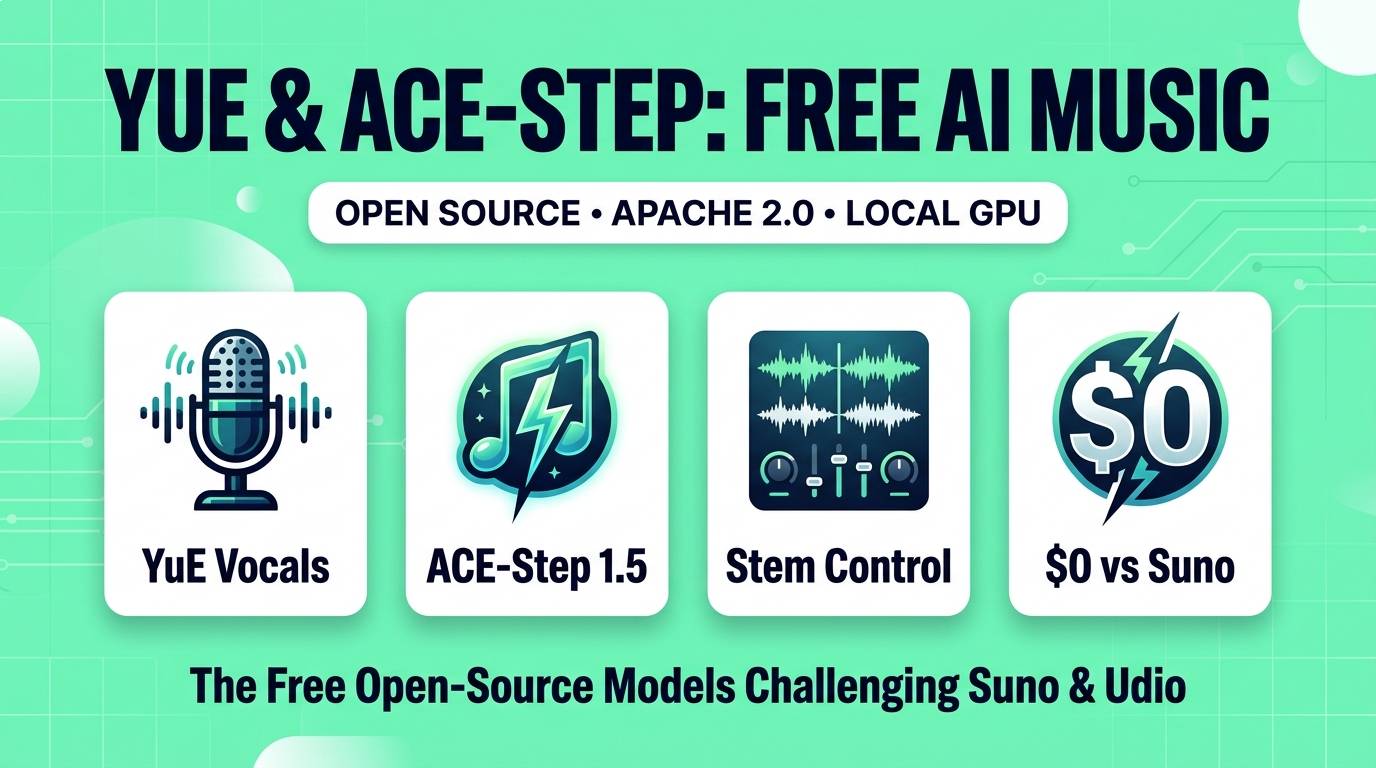
- The Suno & Udio Monopoly Is Over: YuE (by HKUST & M-A-P) and ACE-Step 1.5 (by ACE Studio & StepFun) bring full-length, lyric-to-song generation directly to local consumer GPUs.
- 100% Free Commercial Rights: Unlike Suno and Udio's free tiers (which forbid monetization), both YuE and ACE-Step are released under the permissive Apache 2.0 license — you own every track you generate.
- Two Different Philosophies: YuE is an autoregressive LLaMA-based powerhouse built for raw, soulful vocal emotion and dual-track stem separation, while ACE-Step 1.5 is a blazingly fast flow-matching diffusion model that generates 4-minute songs in seconds with surgical lyric repainting.
- Runs on Everyday Hardware: With Int4/ExLlamaV2 quantization and ComfyUI nodes, both models run smoothly on 8GB to 12GB consumer graphics cards.
For the past two years, AI music was the one creative category where open-source lagged painfully behind closed-source SaaS platforms. If you wanted images, you had Flux. If you wanted video, you had Wan 2.2 and HunyuanVideo. If you wanted voiceovers, you had Kokoro and F5-TTS. But if you wanted a full 4-minute song with verses, a catchy chorus, and emotional human vocals, you had no choice but to pay $10 to $30 a month to Suno or Udio.
Even worse, cloud music platforms operate like a black box. You type a prompt, burn 10 credits, and get a flattened MP3 file. If the singer mispronounces a word at the 2-minute mark, or if you want to swap the drums without losing the vocal take, you are out of luck. And if you are on their free tier, you are legally barred from monetizing your songs on YouTube or Spotify.
That closed-garden era just came crashing down. Two monumental open-weight releases — YuE (乐) and ACE-Step 1.5 — have triggered the "Stable Diffusion moment" for AI music. Here is a deep dive into how they work, how they compare against Suno v4.5 and Udio, and how to run both on your own PC for $0.
Why Full-Song AI Was So Hard to Open-Source
Why did it take so long for open-source developers to match Suno? Because generating a full song with vocals is exponentially harder than generating speech or short instrumental loops.
In Text-to-Speech (TTS), a voice speaks in a narrow frequency band with zero background instruments. In a full song, a model must simultaneously maintain a long-range musical structure (Intro → Verse 1 → Pre-Chorus → Chorus → Guitar Solo → Outro) over 3 to 5 minutes, keep a steady BPM tempo, mix dozens of competing instruments, and make a lead vocalist sing on-pitch with clear syllable articulation.
YuE and ACE-Step solved this problem using two completely different architectural breakthroughs — and together, they cover every possible creator workflow.
What Is YuE (and YuE2)? The Soulful Vocal Specialist
Developed by a massive collaborative research team led by the Hong Kong University of Science and Technology (HKUST) and the Multimodal Art Projection (M-A-P) community, YuE (meaning "music" and "happiness" in Chinese) is an autoregressive LLaMA-style model built specifically for the lyrics-to-song challenge.
The biggest flaw in early AI song models was that the instrumental backing track drowned out the singer's voice, creating a metallic, phasey soup. YuE solves this with Track-Decoupled Next-Token Prediction: instead of predicting one mixed audio wave, YuE predicts semantic and acoustic tokens for the lead vocal stem and the accompaniment stem separately at the exact same time.
This gives YuE three massive advantages:
- Unmatched Vocal Grit and Emotion: Whether you prompt for a raspy 1990s grunge vocalist, a breathy indie-folk whisper, a soulful R&B belt, or an aggressive metal scream, YuE's singers sound like they are pouring their heart into a studio microphone.
- Zero-Shot Audio Style Cloning: You can attach a 15-to-30 second reference audio clip of any song (including your own acoustic guitar demo or a specific vocal artist you have rights to) and YuE will generate a brand-new 4-minute song that clones that exact sonic texture and vocal timbre.
- Clean Separated Tracks Out of the Box: Because vocals and instruments are modeled on dual tracks, you get isolated vocal and instrumental files immediately without needing post-processing stem splitters.
What Is ACE-Step 1.5? The High-Speed Producer's Swiss Army Knife
While YuE wins on raw autoregressive vocal soul, its token-by-token generation takes 2 to 4 minutes per song on a mid-range GPU. Enter ACE-Step (and the newly released ACE-Step 1.5), built by AI singing-synthesis giant ACE Studio and StepFun.
ACE-Step 1.5 was engineered with a single goal: bring sub-20-second commercial song generation and granular DAW-style editing to everyday consumer GPUs (and even under 2 seconds on high-end RTX 5090 / A100 setups). By combining an LLM semantic planner with a flow-matching Diffusion Transformer (DiT) and Deep Compression AutoEncoder, it synthesizes an entire 4-minute song in parallel.
Where ACE-Step 1.5 completely blows Suno and Udio out of the water is post-generation control:
- Surgical Lyric Edit & Repainting: You can change two words in the second verse of a generated song and re-render only that 3-second slice. The singer's voice, the background guitar chords, and the drum beat flow across the edit with zero audible seam.
- Lightweight LoRA Training: Just like training a character LoRA for Flux or Stable Diffusion, ACE-Step lets you fine-tune custom voice or genre LoRAs on a handful of audio clips so your virtual AI band sounds identical across 50 different songs.
- 19-Language Vocal Fluency: Natively trained for crisp pronunciation across English, French, Spanish, Japanese, Arabic, German, Italian, Korean, Russian, and Mandarin.
Head-to-Head: YuE vs ACE-Step 1.5 vs Suno v4.5 vs Udio
| Feature | YuE / YuE2 | ACE-Step 1.5 | Suno v4.5 | Udio v2 |
|---|---|---|---|---|
| Price | $0 (100% Free) | $0 (100% Free) | $10 – $30/month | $10 – $30/month |
| Commercial License on Free | ✅ Yes (Apache 2.0) | ✅ Yes (Apache 2.0) | ❌ No (Paid plans only) | ❌ No (Paid plans only) |
| Runs 100% Offline Locally | ✅ Yes | ✅ Yes | ❌ Cloud Only | ❌ Cloud Only |
| Generation Speed (4m Song) | ~2–4 minutes | ~2–20 seconds | ~30 seconds | ~40 seconds |
| Min Consumer VRAM | 8GB–12GB (Quantized) | 6GB–8GB VRAM | Cloud | Cloud |
| Lyric Inpainting / Edit | Segment continuation | ✅ Seamless Repainting | Paid Pro feature | Paid Pro feature |
| Custom LoRA Training | ✅ Yes | ✅ Native & Fast | ❌ No | ❌ No |
| ComfyUI Node Support | ✅ Community Nodes | ✅ Official Native Nodes | Paid API only | No |
3 Things YuE & ACE-Step Do That Paid Cloud Tools Can't
Why are professional creators and indie game studios switching from Suno to local YuE and ACE-Step setups? Because of three workflows that closed cloud platforms refuse to allow:
1. Zero Copyright Filter Paranoia on Your Own Demos
If you upload a 20-second recording of yourself singing or playing guitar into Suno or Udio, their automated copyright scanners frequently block the upload or refuse to clone the vocal melody out of legal paranoia. Because YuE and ACE-Step run locally on your own hard drive, you can feed your own original demos, voice memos, and sample libraries into the model with zero censorship.
2. Automated ComfyUI Music Video Pipelines
Inside ComfyUI, you can now connect an ACE-Step 1.5 node directly to a Wan 2.2 or LTX-Video node. With a single click of "Queue Prompt," your local PC writes the lyrics, composes the 3-minute song, extracts the beat timestamps, and generates a beat-synced AI music video overnight while you sleep — costing $0 in API tokens.
3. Permanent Artist Identity via Voice LoRAs
On Suno, getting the exact same vocalist across ten different songs for a concept album or virtual VTuber project is a frustrating game of prompt roulette. With ACE-Step 1.5, you can bake a specific vocal identity into a LoRA file (or pipe YuE's isolated vocal stem directly into Applio RVC) for 100% vocal consistency.
Hardware & 1-Click Local Setup Guide
You do not need an enterprise server or command-line expertise to run either model today:
The Easiest Way to Run Both (Zero Terminal Commands):
• For ACE-Step 1.5: Drag the official ACE-Step workflow directly into ComfyUI (now supported natively in ComfyUI's core audio nodes), or install the standalone Gradio WebUI in 1 click via Pinokio. It requires less than 8GB of VRAM.
• For YuE / YuE2: Do not download the raw 24GB unquantized research repo unless you have an RTX 3090/4090. Instead, grab the YuE-exllamav2 (Int4/Q8) or YuE-for-Windows one-click package via Pinokio, which slashes VRAM usage down to 8GB–10GB while keeping 98% of the audio quality.
Head-to-Head Scores
ACE-Step 1.5
YuE / YuE2
Frequently Asked Questions
Are YuE and ACE-Step 1.5 really as good as Suno v4.5?
Yes. In blind listening benchmarks, ACE-Step 1.5 and YuE match or surpass commercial platforms on musical coherence, lyric alignment, and vocal naturalness — while giving local users uncompressed WAV output, stem control, and lyric repainting that Suno locks behind paid subscriptions.
Which one should I install first: YuE or ACE-Step 1.5?
Start with ACE-Step 1.5 if you want fast results (under 20 seconds per song), lower VRAM usage, ComfyUI integration, and easy lyric editing. Install YuE if you are producing rock, soul, folk, or ballad tracks where raw, emotional vocal delivery is your top priority.
Can I legally sell or stream music created with YuE and ACE-Step?
Yes. Both YuE and ACE-Step 1.5 are released under the Apache 2.0 open-source license, which grants unrestricted commercial rights to monetize your generated songs on YouTube, Spotify, Apple Music, TikTok, and in commercial video games.
Can I try YuE and ACE-Step without a gaming PC?
Yes. Both projects host free interactive Hugging Face Spaces and Google Colab notebooks where you can generate full songs in your web browser without needing a local graphics card.
Final Verdict
The Bottom Line
YuE and ACE-Step 1.5 have officially ended the era of mandatory AI music subscriptions. Use ACE-Step 1.5 for rapid iteration, multilingual tracks, and surgical lyric editing inside ComfyUI; reach for YuE when you need goosebump-inducing vocal emotion and instant dual-track stems. Best of all, since both are 100% free and Apache 2.0 licensed, you never have to choose just one.
Want to explore the full ecosystem of free audio and music tools? Check out our ranked guide to the 8 Best Free Open-Source AI Music Generators and 9 Best Free AI Voice & Stem Tools, or browse our complete AI tools directory.